
Chat your way
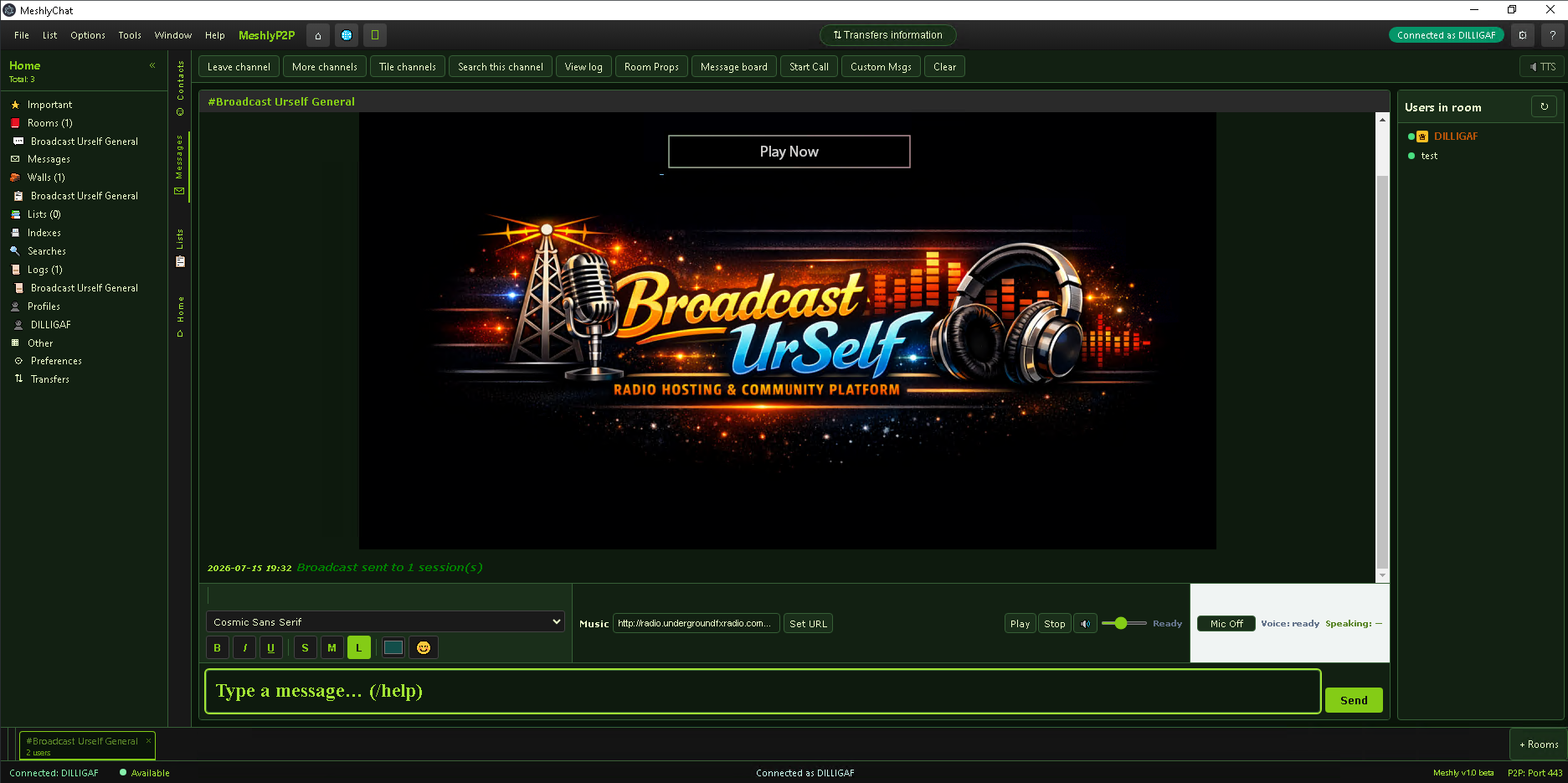
Real-time text with bold, italic, underline, fonts, colors, and an emoji picker. Clickable links open in your browser. HTML welcome messages greet you on join — personalized with your nick.
Sign in with a nickname and password. Browse channels by category, join multiple rooms, whisper privately, share files peer-to-peer, and call with voice or video. First-time connect creates your account automatically — no separate signup.
Messaging, presence, calls, and file trading — built for community networks.
Real-time text with bold, italic, underline, fonts, colors, and an emoji picker. Clickable links open in your browser. HTML welcome messages greet you on join — personalized with your nick.
Whisper anyone in the room, or lock whispers to one person. Send and receive private messages with subject and body, unread highlights, and optional encrypted saved mail.
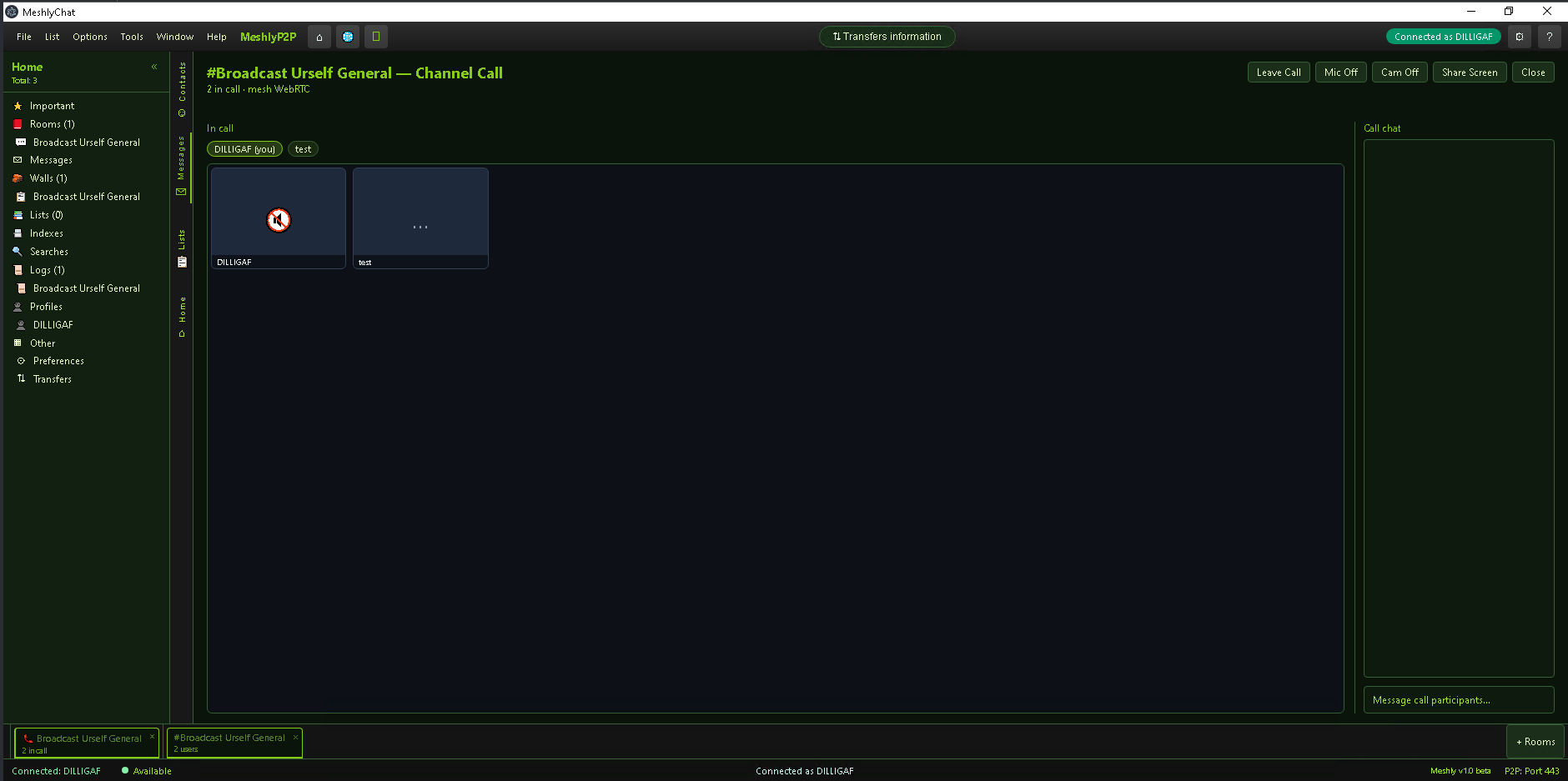
Open-mic voice when a room allows it, with a speaking indicator. Start channel calls for up to six people — mic, camera, screen share, video tiles, and a side chat panel.
Available, Away, Busy, or Do Not Disturb. Organize friends into categories, get notified when they come online, and keep personal notes, ignore, and ban lists.
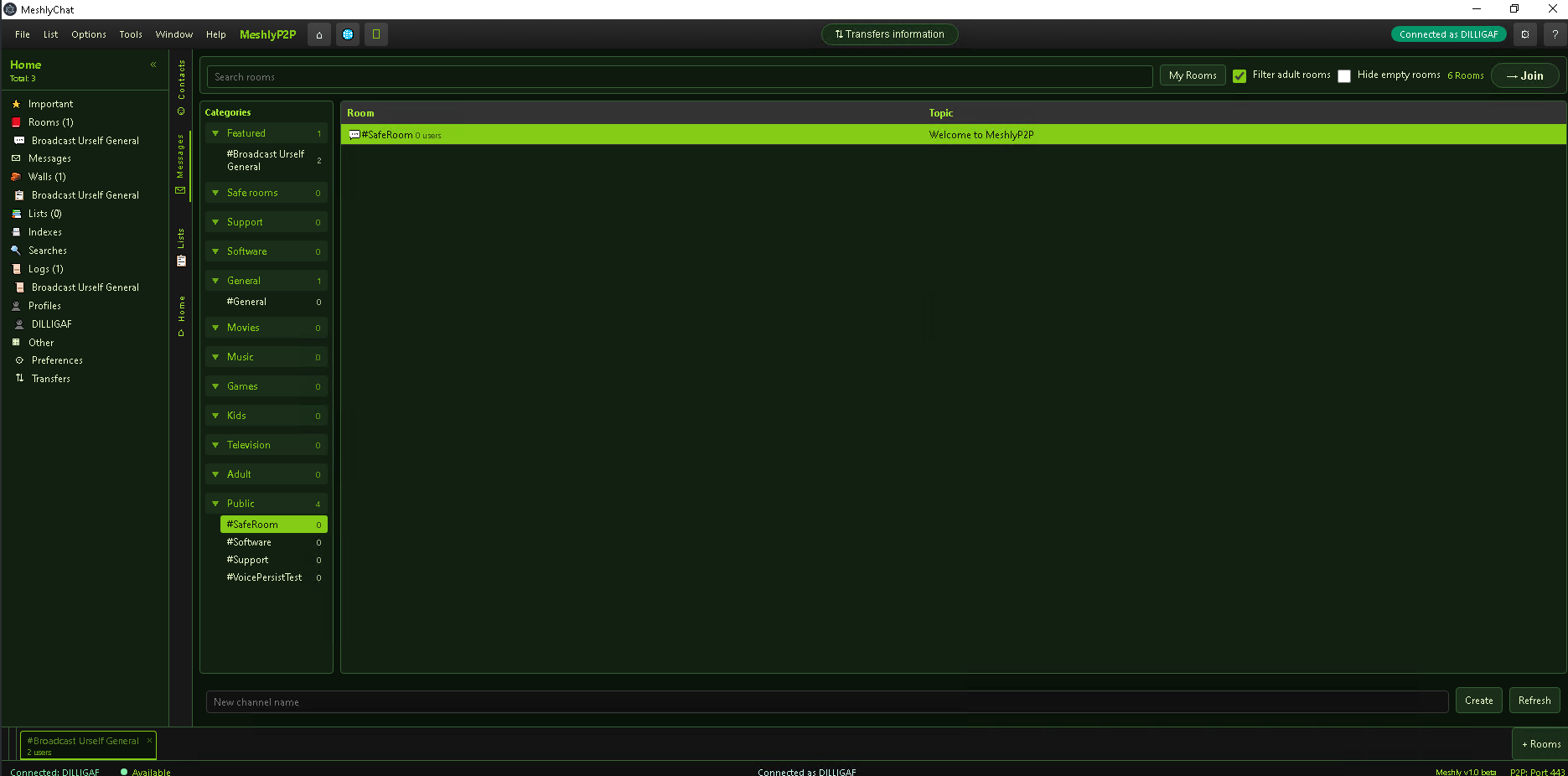
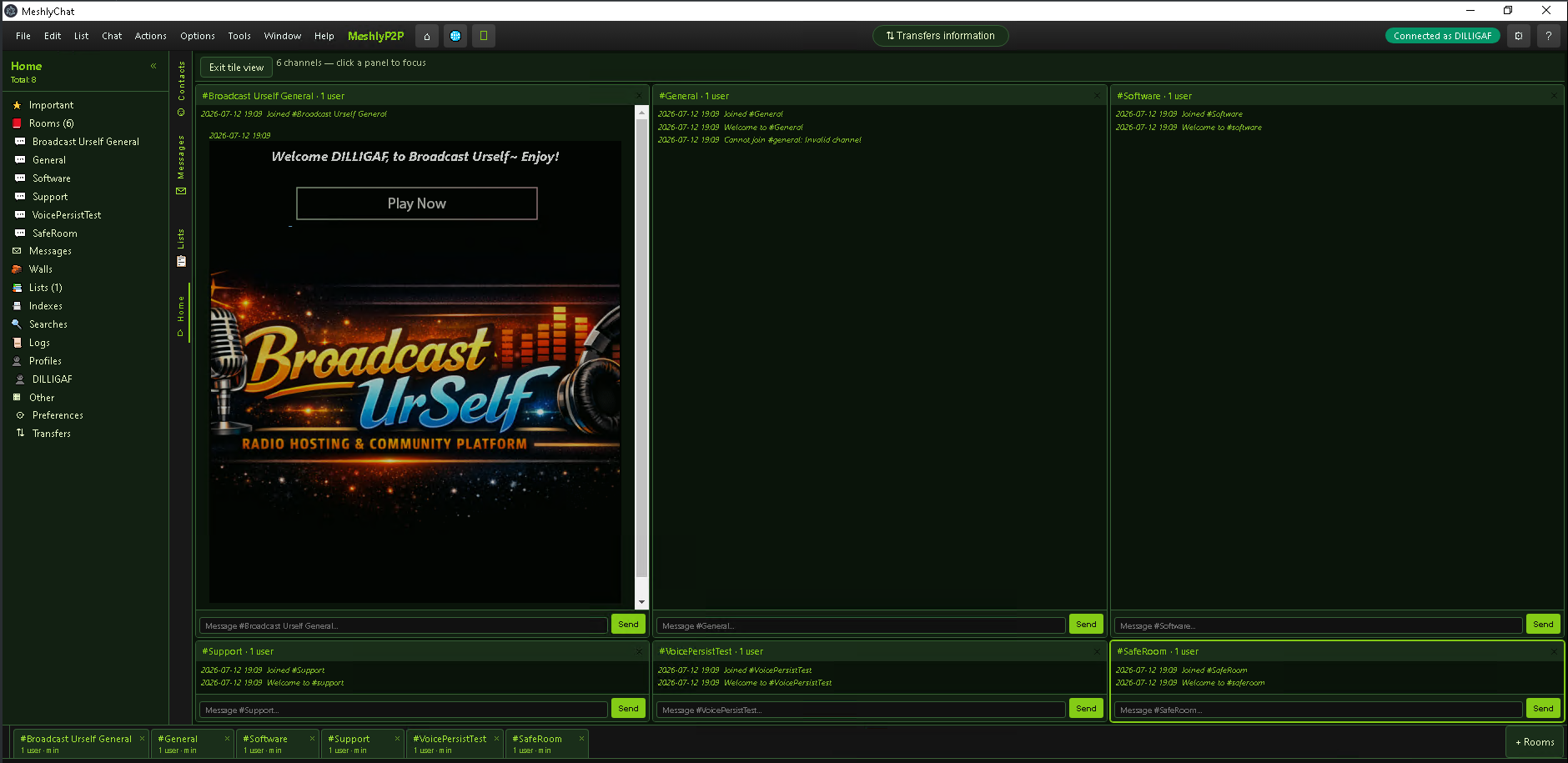
Browse the directory, multi-chat, and run your own channel.
Lists, transfers, and network search — peer to peer.
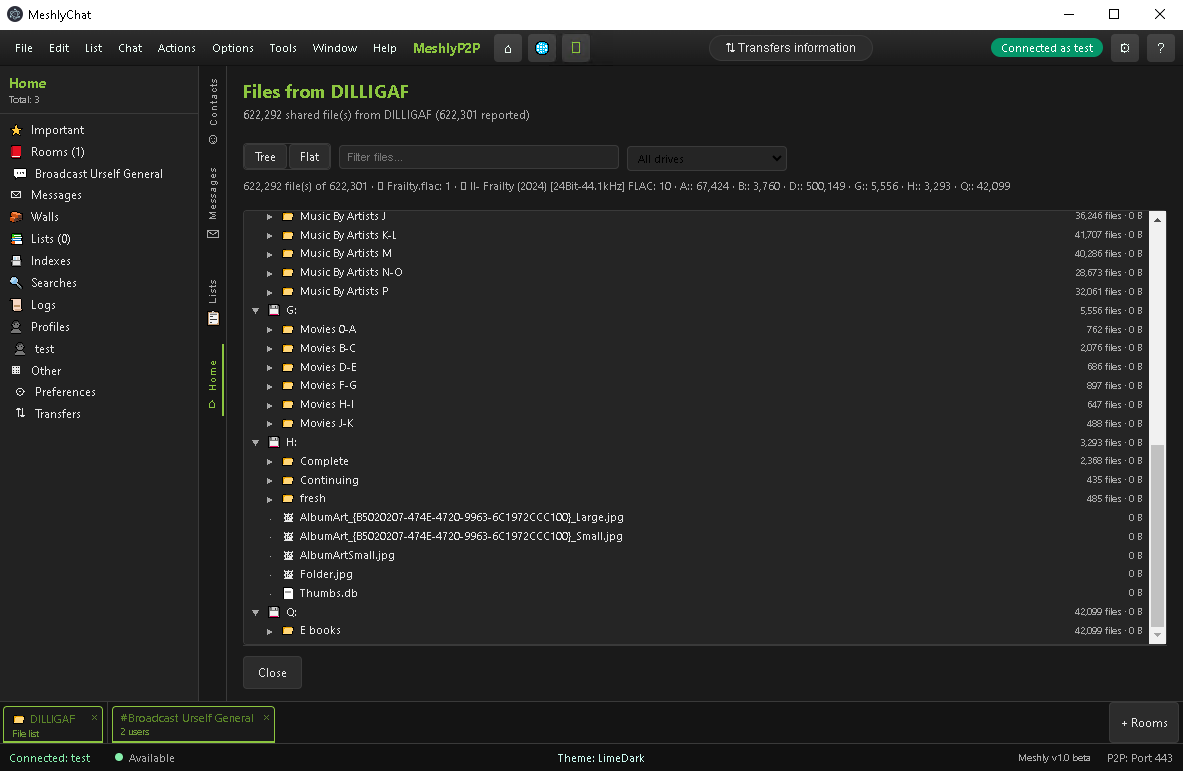
Send multiple files, pull someone’s file list, and track everything in Transfers — active, downloads, uploads, completed, and errors — with progress, speed, and graphs.
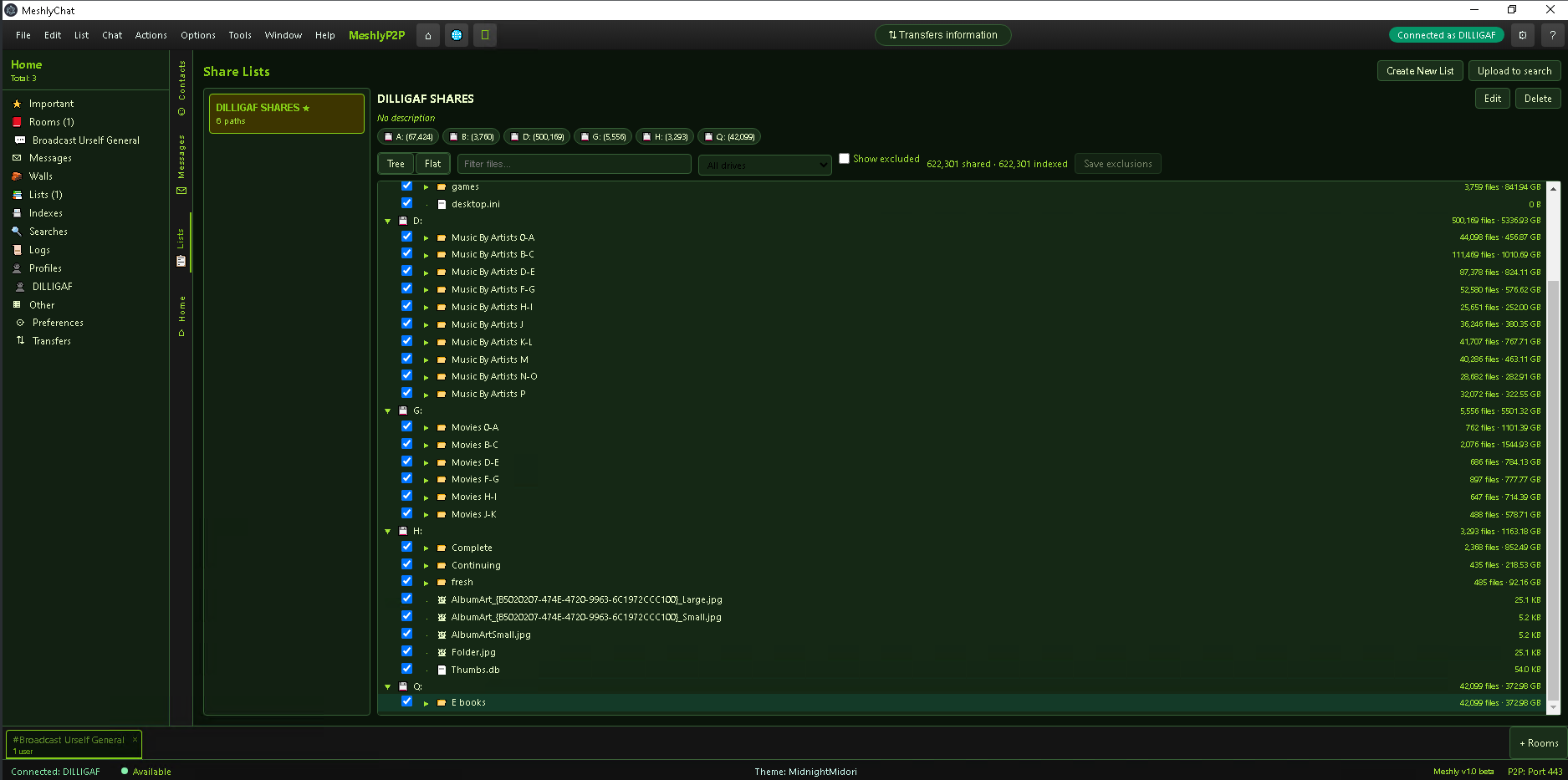
Full remote file browser with tree or flat views. Search across MeshlyP2P or scope to a channel; upload your list to the search index and double-click to download.
Scan folders into catalogs, tag and describe them, set slots and speed caps, compare or combine lists, and control shared vs protected paths.
Themes, sounds, performance, and accessibility.
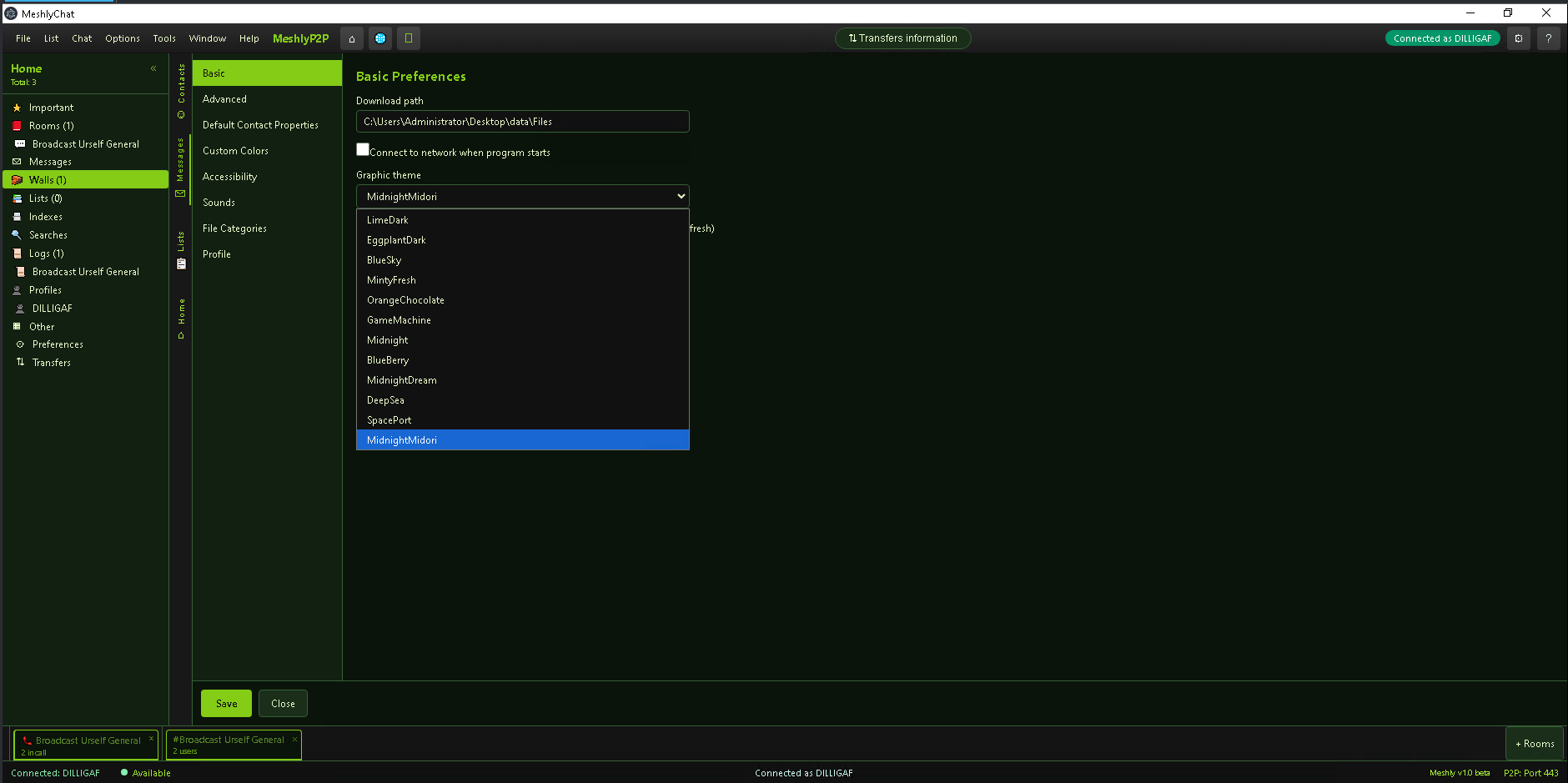
Twelve themes, per-room chat colors, custom fonts, and your own sounds for chat, mail, disconnect, and friend-online alerts.
Fast MM5 for lower CPU, RAM, and network use. Minimize to tray, start with Windows, disable animations, and lock non G-rated channels if you prefer.
Text-to-speech reads chat aloud with rate and volume controls — choose whispers, PMs, system lines, and more. Presence colors and role icons help at a glance.
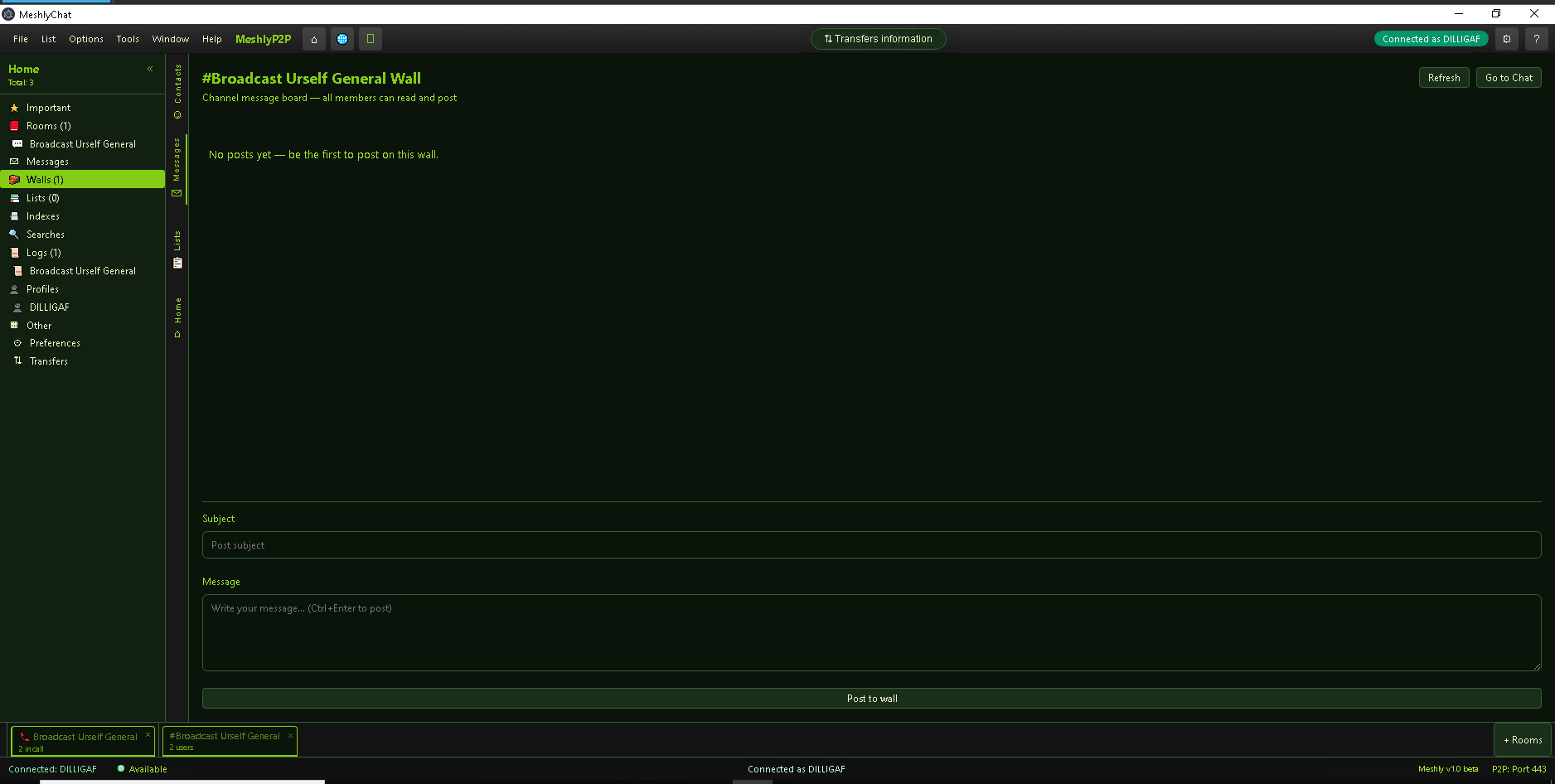
A look at MeshlyChat — rooms, chat, calls, files, walls, and themes.
Pick a nickname, connect, and you’re on the mesh. No separate signup.
Portable MeshlyChat.exe — no installer required.
Download for WindowsAppImage build for Linux desktops.
Download for LinuxCurrently in development — mobile apps are on the way.
Coming soonPart of MeshlyP2P. Microphone and camera needed for voice and video. Getting Started is in the Help menu.